Cloud it, letter it, resubmit once.
A clean resubmittal gets read quickly; a messy one starts another round. Here is how to cloud the changes, name the revision, write the response letter and send the set back, the way Washington reviewers want to see it.
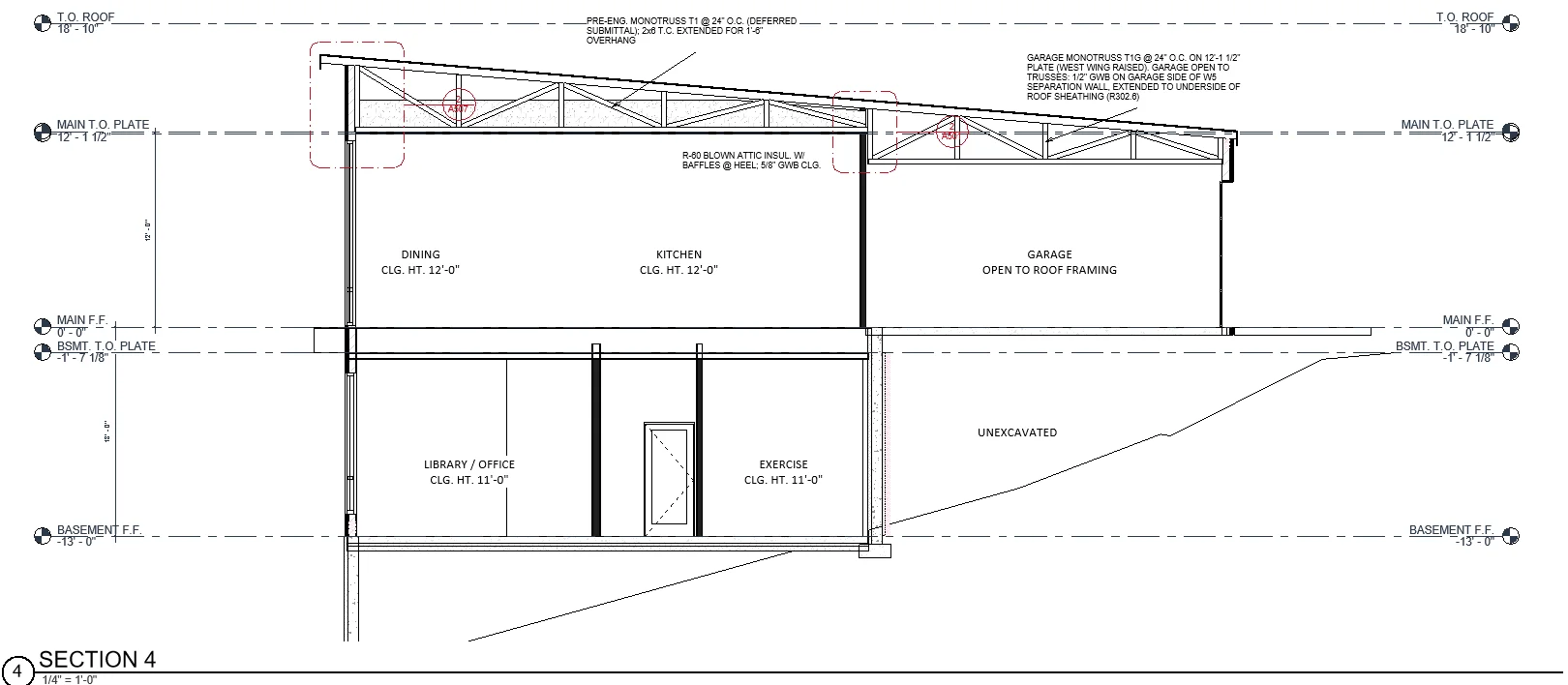
Cloud each change a comment asked for, and nothing else. For a new or redrawn view, cloud its title.
Take earlier rounds’ clouds off, along with information-only and duplicate ones.
Name the revision for the round (Seattle: by correction cycle) and date the changed sheets.
In the letter, each comment answered with the change and the sheet where it’s shown, one letter per review discipline.
Wait for every discipline
Some cities, Everett among them, want one package per round: wait until every discipline has commented, then resubmit the complete set, not only the changed sheets.
Send the engineers’ comments the same day
Stormwater, structural and civil comments belong to the engineer of record. Forward them the day the letter arrives, so their responses are ready when yours are.
How Pretiva does it
Drop in the correction letter and the city’s redlines. Pretiva sorts every comment, drafts each change in your own Revit with a revision cloud on the round’s revision, checks each sheet image, and drafts the response letter for your team to check. A resubmittal round is $199, with no subscription.
Questions
Should I cloud every change?
Cloud the changes the comments asked for. Extra clouds make the reviewer look for a comment that doesn’t exist.
Do I resubmit the whole set?
Many cities want the complete set every round, clouded, with the round’s date in the title block. Check the city’s resubmittal instructions.
One response letter or several?
Where the city reviews by discipline (Seattle does), one letter per discipline.
Who stamps the resubmittal?
Your team reviews every sheet, and a licensed architect stamps when the set needs one. Pretiva never stamps, signs or issues anything.
Try it for a month.
Month to month, cancel any time. Or start with a free set review.
Questions? Email support@pretiva.io or book a demo.